Godot Layered Brick Material - Vertex Painting with Height Blending

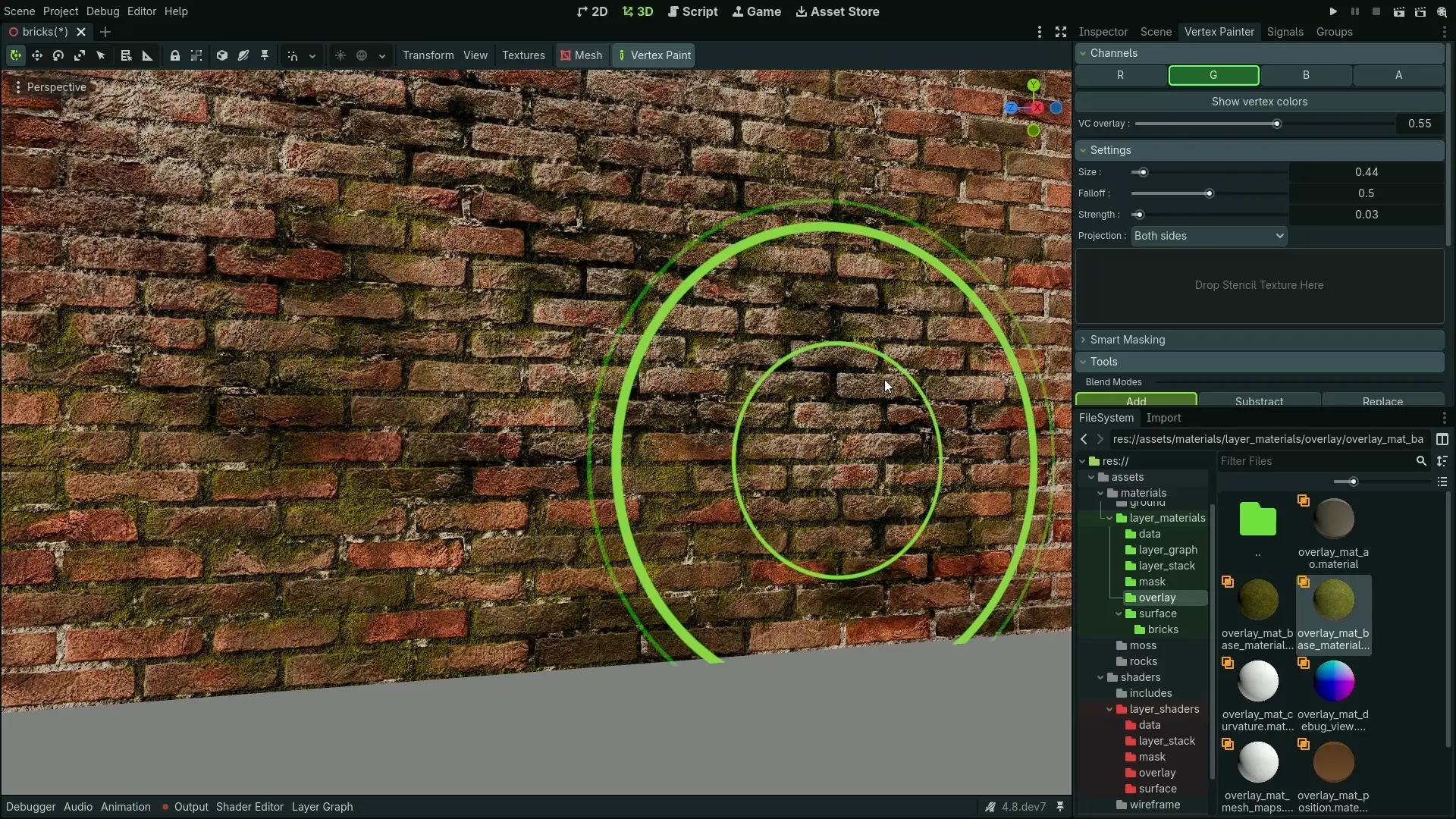
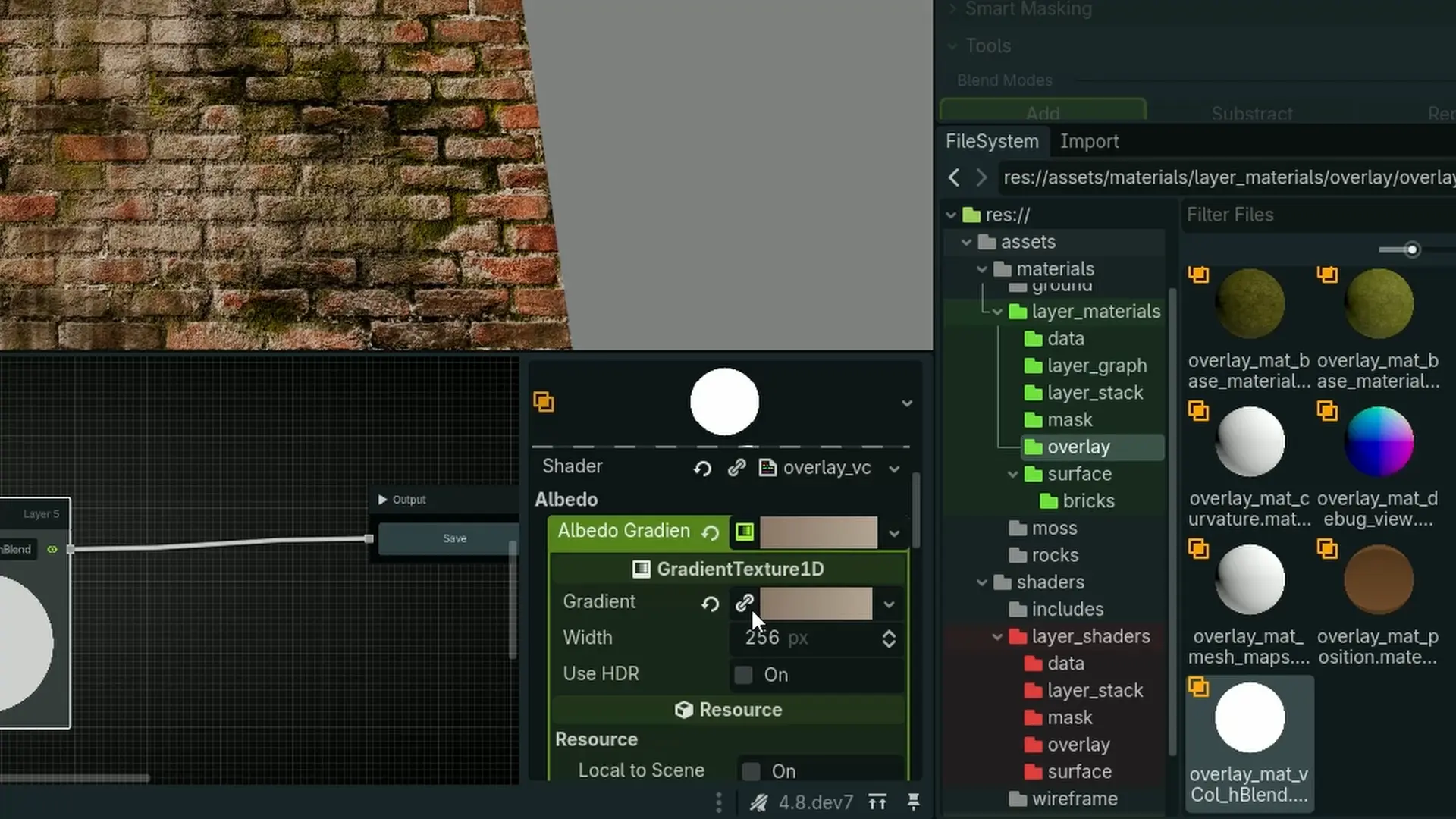
A layered brick material that uses vertex painting and height blending to layer damage, dirt streaks, moss, and water drips. The material uses optimized texture sets, gradient maps and smart texture usage to optimize for best performance.
Requires Material Layers 1.0+
This material was created using the Material Layers plugin.
All included materials, masks, and shaders can be reused to texture other assets.
Get Material Layers

Features
- Production-ready procedural layered brick material
- Uses vertex painting with height blending for real-time layering
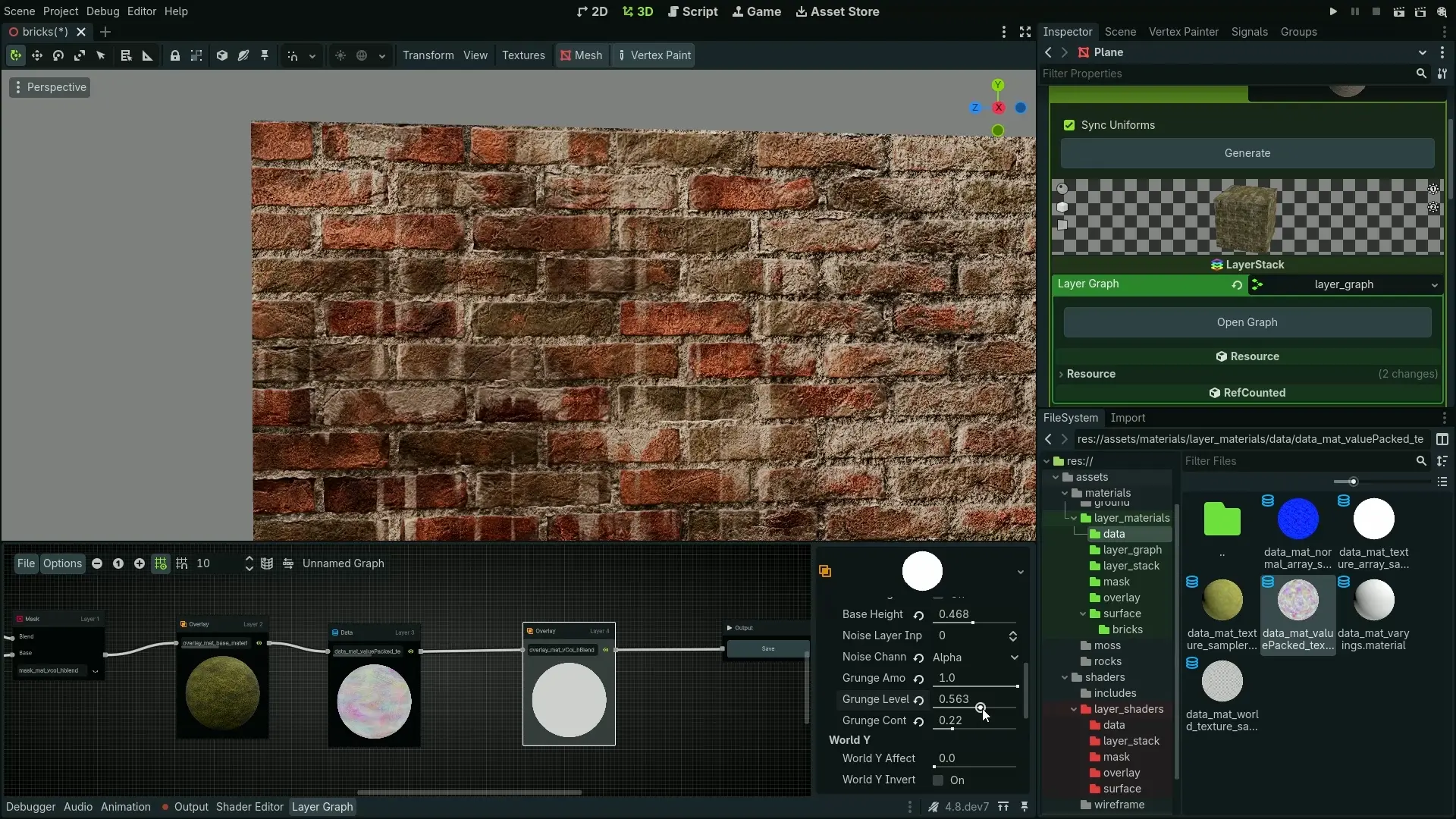
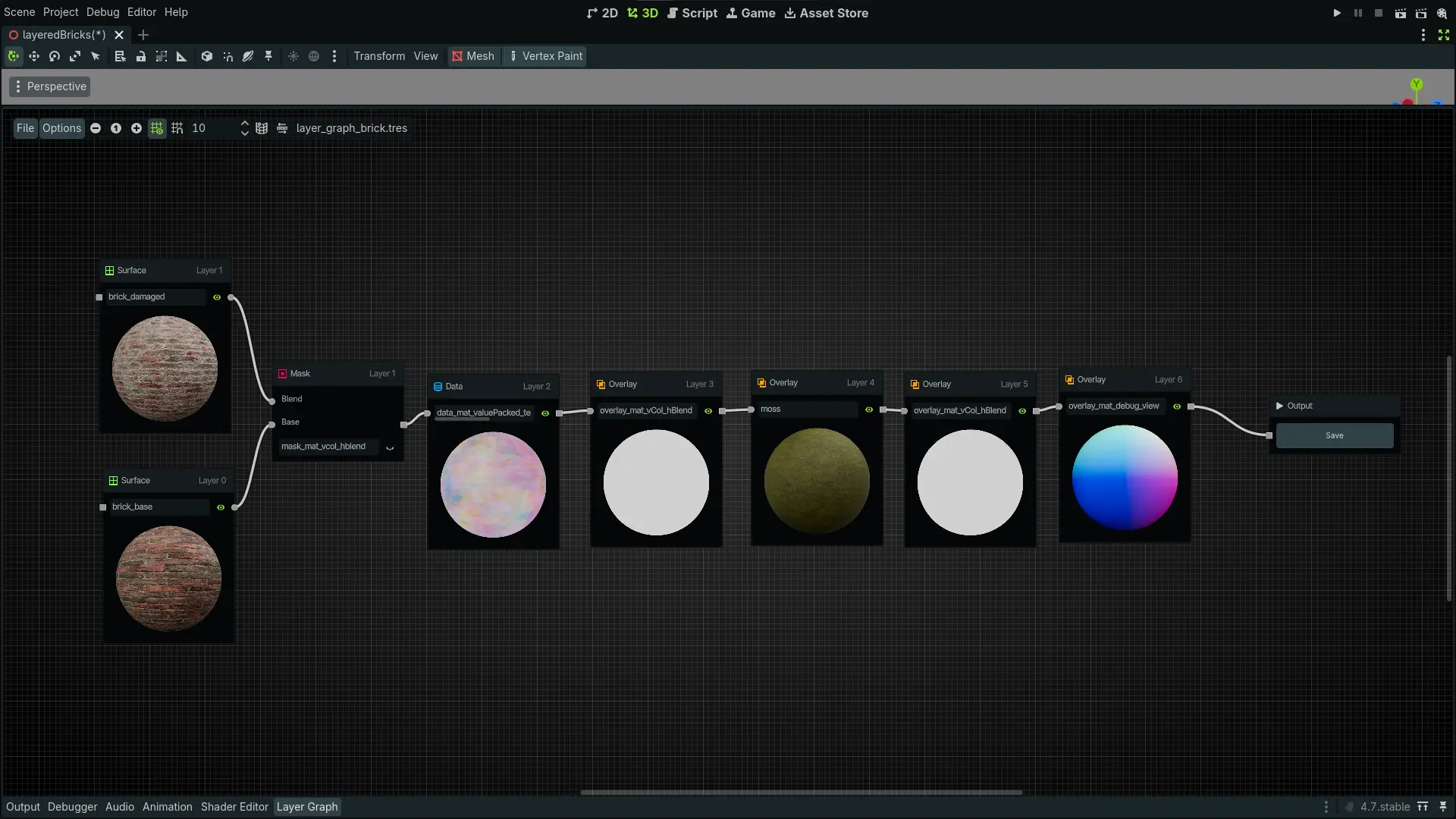
- Uses 2 sets of bricks, one base and one damaged, a moss layer, gradient mapped dirt layer and water damage layer
- Channel packed textures
- Material Layers plugin allowing for easy expansion and customizability
- Height blended masks resulting in realistic blending
Get it on Patreon
You can get this asset from my Patreon, along with similar assets.
Included
- Example scene with layered brick material
- Complete LayerStack and LayerGraph setup
- Layer shaders
- 2 sets of brick textures - base and damaged
- Channel-packed and regular versions
Versions
There's 3 versions available for download. Layered material assets only, example project with Material Layers plugin installed, and example project without the plugin - you need to install the plugin yourself.
Installation
Layered Material Example Project With Plugin
- Download the
.zippackage. - Open the Godot editor.
- Choose Import and select the downloaded
.zipfile. - The example project and all resources will be imported automatically.
Layered Material Example Project Without Plugin
- Download the
.zippackage. - Open the Godot editor.
- Choose Import and select the downloaded
.zipfile. - Install
Material Layersaddon by copying the plugin or by extracting the.zipfile.
Layered Material Assets Only
- Download the
.zippackage. - Make sure
Material Layersis installed. - Extract the
.zippackage into your project directory.